An easy birthday invitation to share on Aula, with a coordinated wish list
Updated October 2026
You write the message in Aula on Tuesday evening. By Friday, three people have replied. And you still have no idea how many are coming.
Contents
The message thread that never becomes a guest list
It always starts well. You message the class parents on Aula: Mathilde turns 8 on Saturday the 14th. We’re having a party at home from 10 am to 2 pm. Please let us know if your child can come.
Then a day goes by. Two parents reply, "We’ll be there!" One writes, "What time was it again?" even though it’s in the message. A fourth replies to the wrong thread. And seventeen say nothing at all.
On Thursday evening, you sit down with a notepad and try to count everyone up. You write another message: "Hi again, could you let us know if your child is coming?" By now, the original invitation is so far up the thread that half the parents can’t find it. Someone asks for the address again.
And on Saturday morning, you have enough cake for eighteen children and no idea whether eleven or twenty-three will turn up.
It’s not that the parents don’t care. It’s that they read the message on their way out, think "I’ll reply this evening", and then never do.
Why Aula doesn’t solve the problem
Aula is designed for messages between schools and families. It does that well. But an invitation isn’t just a message. An invitation needs three things that a message thread can’t provide:
Replies you can count. In Aula, a reply is just another message in the thread. There’s no yes or no button, and no list that adds up the responses. You have to read through them and keep your own notes.
Information that stays put. The time, address and collection time disappear up the thread as soon as someone replies. The more replies there are, the harder it is to find the invitation itself.
Somewhere for a wish list. There simply isn’t one. So either you put the wishes straight into the message, where your child can read along and everyone can see what everyone else is giving, or you leave them out and end up with three of the same thing.
That’s not a criticism of Aula. It’s just designed for something else.
The solution: one link in your Aula message
Create the invitation in one place, then just share the link on Aula. That keeps the message short:
Hi everyone! Mathilde is turning 8, and we’re having a birthday party on Saturday 14 November. Here’s the invitation — tap the link and let us know if your child can come: [link]
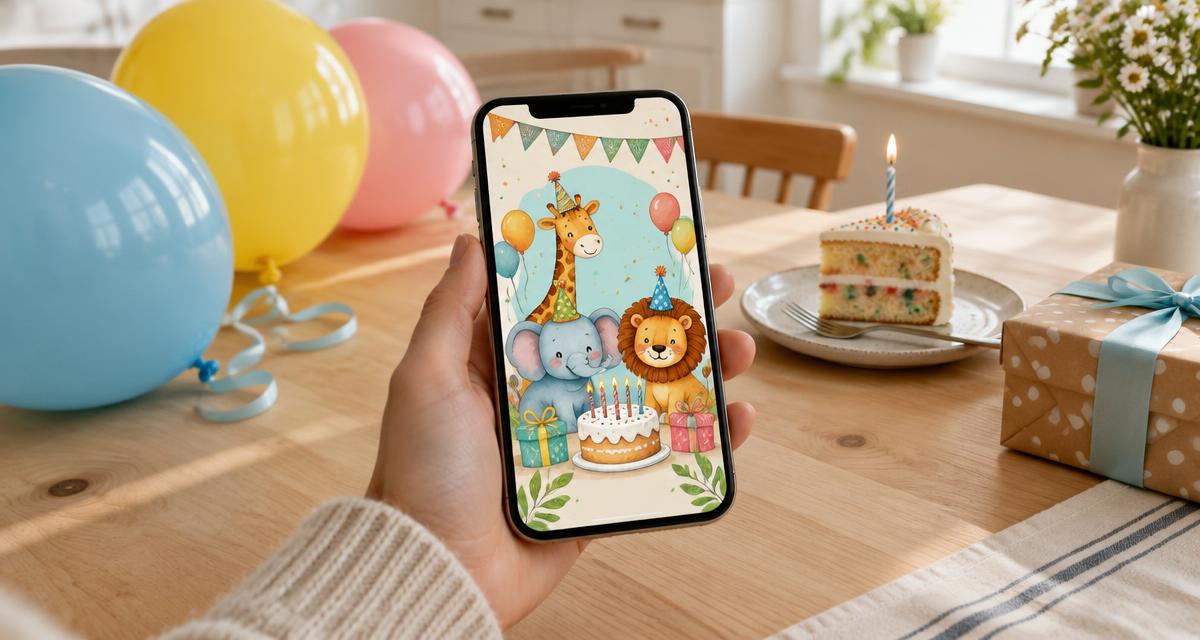
Parents tap the link, and the invitation opens on their phone. They can see the time, place, when to collect their children and what Mathilde would like. Then they tap yes or no.
They don’t need to download an app. They don’t need to create an account. They tap a link, just as they would to open a news article. That matters in a class parents’ group, where half won’t want to install anything and another third will never get round to it.
And you can always see who has replied and who hasn’t. When you want to remind the remaining parents on Monday, you know exactly who they are.
The coordinated wish list
This is the part that really saves you hassle.
The invitation includes a wish list. Once a parent has decided what to give, they tap the item and mark it as reserved. The other parents can then see that this particular wish has been taken and choose something else.
The result: no three identical LEGO sets. No awkward silence when the second identical set is unwrapped.
Two things make this better than coordinating presents in a message thread:
Your child can look at the list without spoiling the surprise. The list shows what they’ve wished for, not who has bought what. The surprise stays intact.
And as the host, you can’t see who has reserved what. You can only see that an item is reserved. It sounds like a small detail, but it’s what makes parents comfortable using it. Nobody should feel that you’re keeping track of who’s giving the expensive present and who’s giving the cheaper one.
It’s worth suggesting a budget on the list. "Around DKK 150" clears up the uncertainty most parents feel but nobody wants to ask about in a group thread.
What the invitation should include
Here’s what parents actually need to know, and what’s often missing:
- When it starts and finishes. The finish time is just as important as the start. Parents plan their Saturday around it.
- The address, ideally with a link that opens in a map with one tap.
- Whether parents should stay or drop their children off. This question always comes up, and if you don’t answer it, you’ll be asked twenty times.
- Whether food is provided, and whether that means lunch or cake. Then parents know whether their child needs to eat beforehand.
- What your child would like, with a suggested budget.
- When you need a reply. Set a date. Without a deadline, people never reply.
- Your phone number, so a parent can message you directly rather than posting in the thread.
Questions that often come up
Is it OK to invite only half the class?
Many Danish schools and class parent committees have an agreement that you invite either the whole class, all the boys or all the girls, so nobody is left out. Check with your class parent committee before sending invitations. It’s easier to ask first than to put things right afterwards.
What do I do about parents who still haven’t replied?
Send them a reminder two or three days before the deadline. When you can see exactly who hasn’t replied, you can message them individually instead of sending another message to the whole class. A personal message is much more likely to get a reply.
Can grandparents and aunts see the wish list too?
Yes. The invitation is a link, so you can share it by text or in the family group chat. They’ll see the same wishes and the same reservations.
What if a parent doesn’t use Aula?
Just send them the link by text instead. It works exactly the same way, regardless of where the link was shared.
Does it cost anything?
No. The invitation is free to create and send, and your guests don’t pay anything either.
Here’s what it looks like
This isn’t a screenshot. Tap it to see the invitation open just as your guests would see it.
Create your own
Choose a design, enter the name and date, and share the link on Aula. It takes a couple of minutes, and you can make changes afterwards.